The Alpine Communication Permit Tracker: Simplifying and Accelerating the Permit Approval Process
As part of our Permit Administration services at Alpine Communication, we are proud to offer attachers and utilities access to our no-cost Permit Tracker portal.
The Permit Tracker is a feature-rich digital platform that offers both sides of the permit approval process with real-time access to open permit requests, historical data, notification alerts, and more. It’s just one more way Alpine makes the permit approval process easier.
Follow along as we explore some of the highlights of the Alpine permit portal…
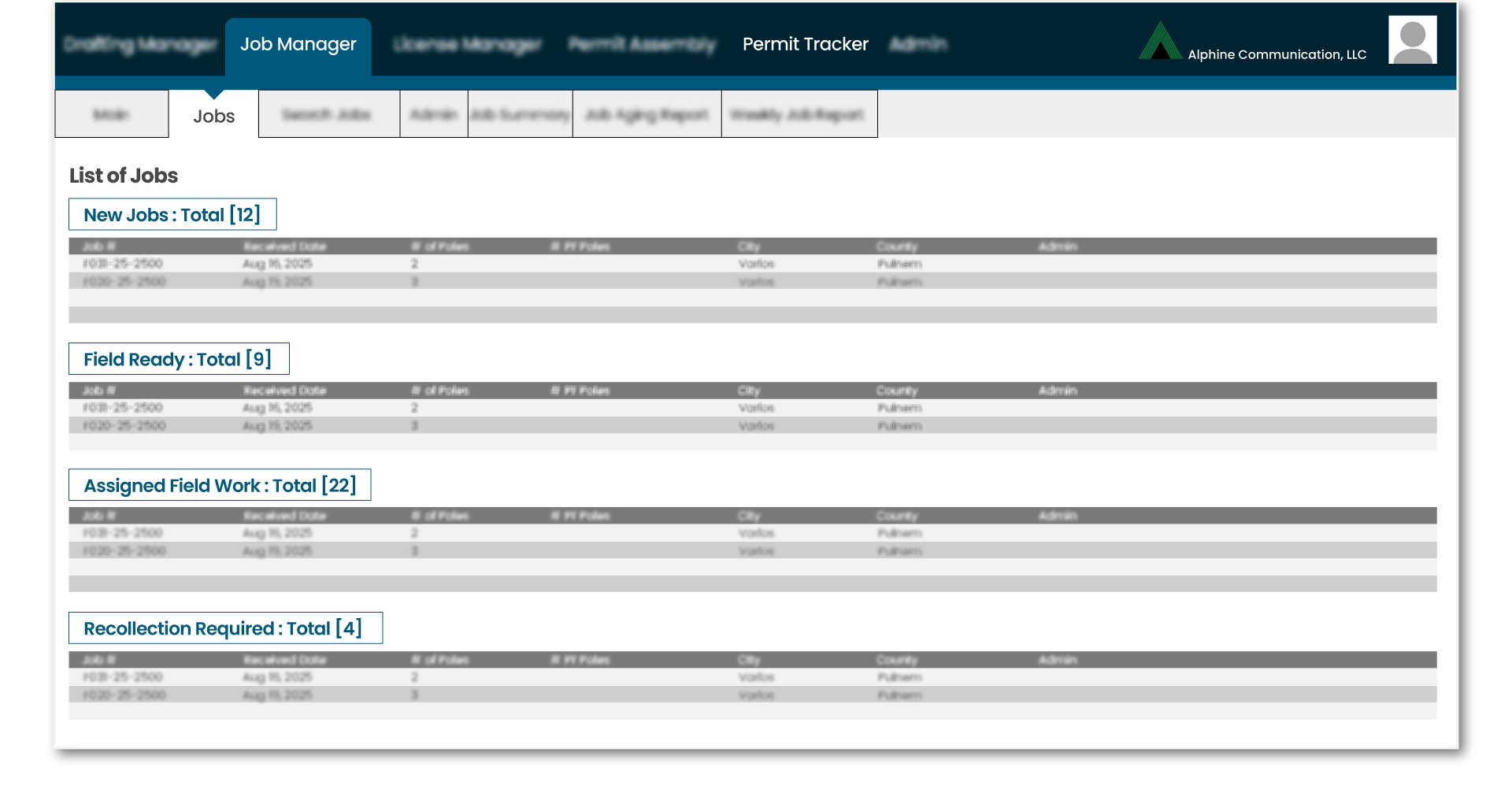
After you log in, one of the first and most helpful tabs to view is the Job Manager. Here you’ll find data on all your permit requests–which are sorted by status (new, field-ready, assigned field work, etc.)–such as:
the date the job was received
who at Alpine is currently assigned to the job
the number of poles for each job
and what city and county the job is located in.
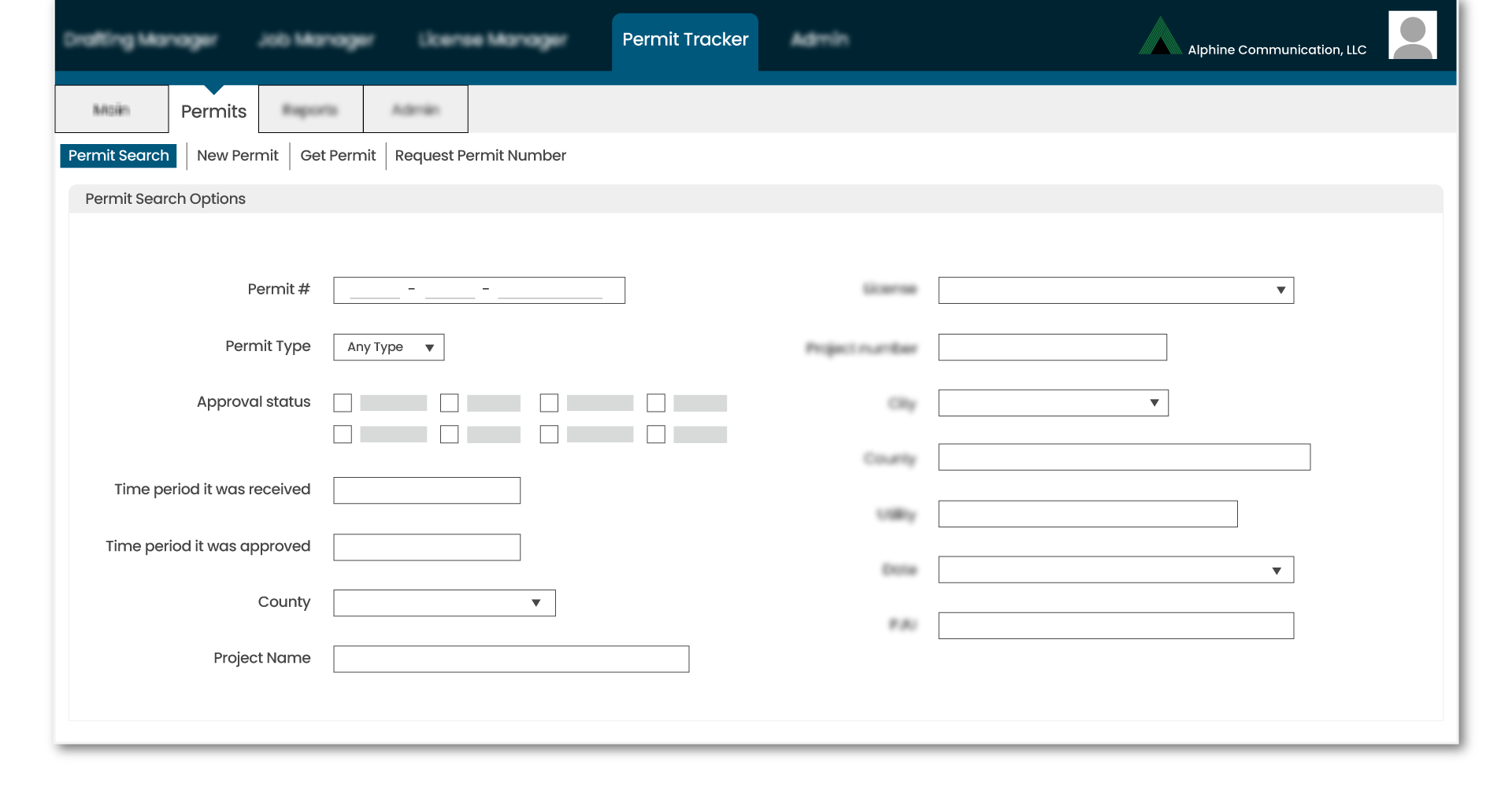
The Permits tab is another helpful tool that allows you to search for any permit by…
permit number
permit type
approval status
time period it was received
time period it was approved
county
project name
…and more. You can also discover multiple permits for any and all poles within a specified distance of exact coordinates.
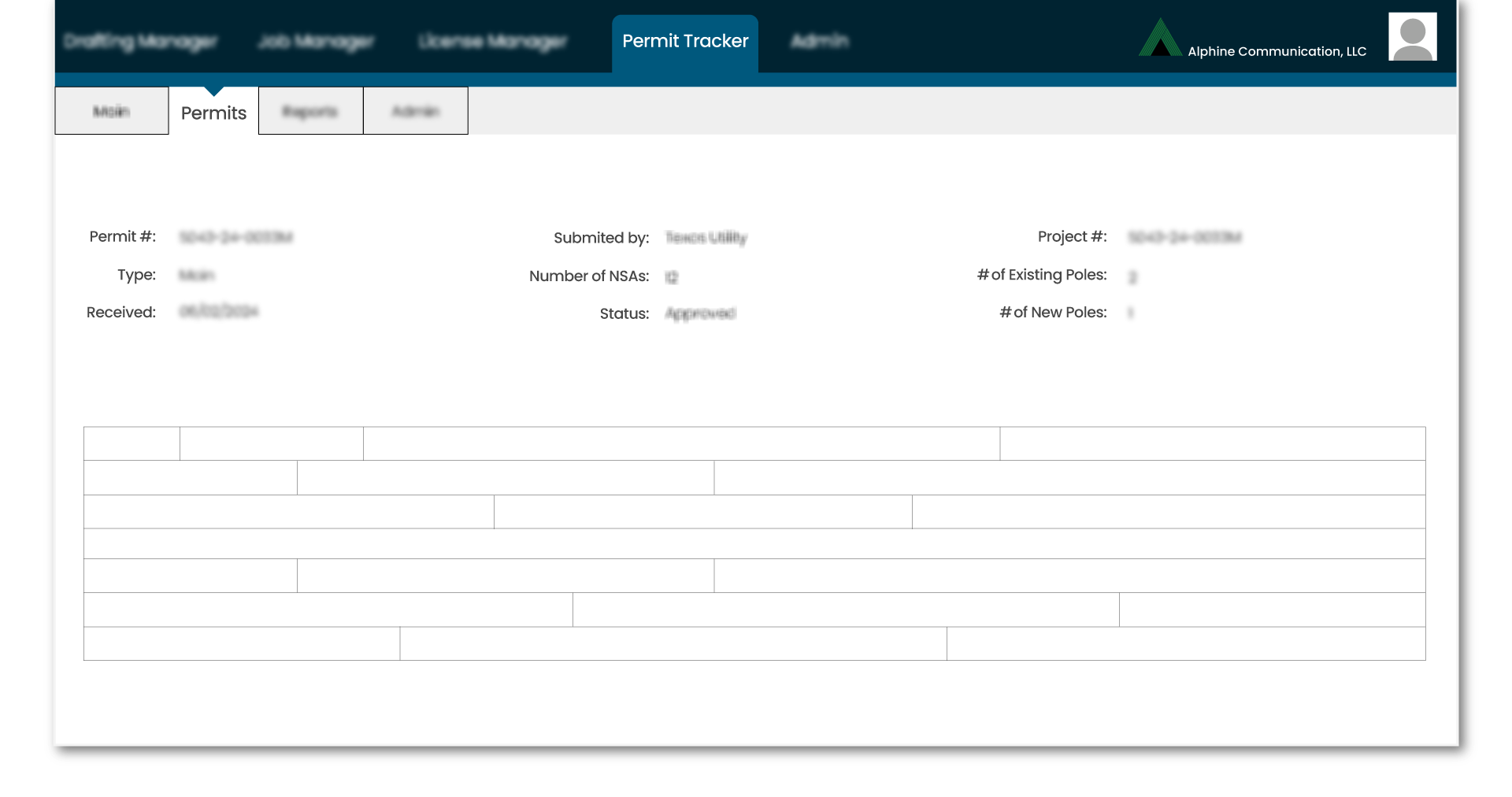
When your search brings back a result, you’ll see a read-only screen listing everything there is to know about a particular job, including…
the date it was received
who submitted it
the permit fees
the number of NSAs (non-standard attachments)
any make-ready info
the permit and project numbers
…and more.
To view all your poles with open NSA status, navigate to the Open NSA Report tab. This feature makes it easy to find problem attachments and export the list to a CSV file that can be integrated into any GIS software program for easy geolocating.
Viewing & Exporting Pole Documentation
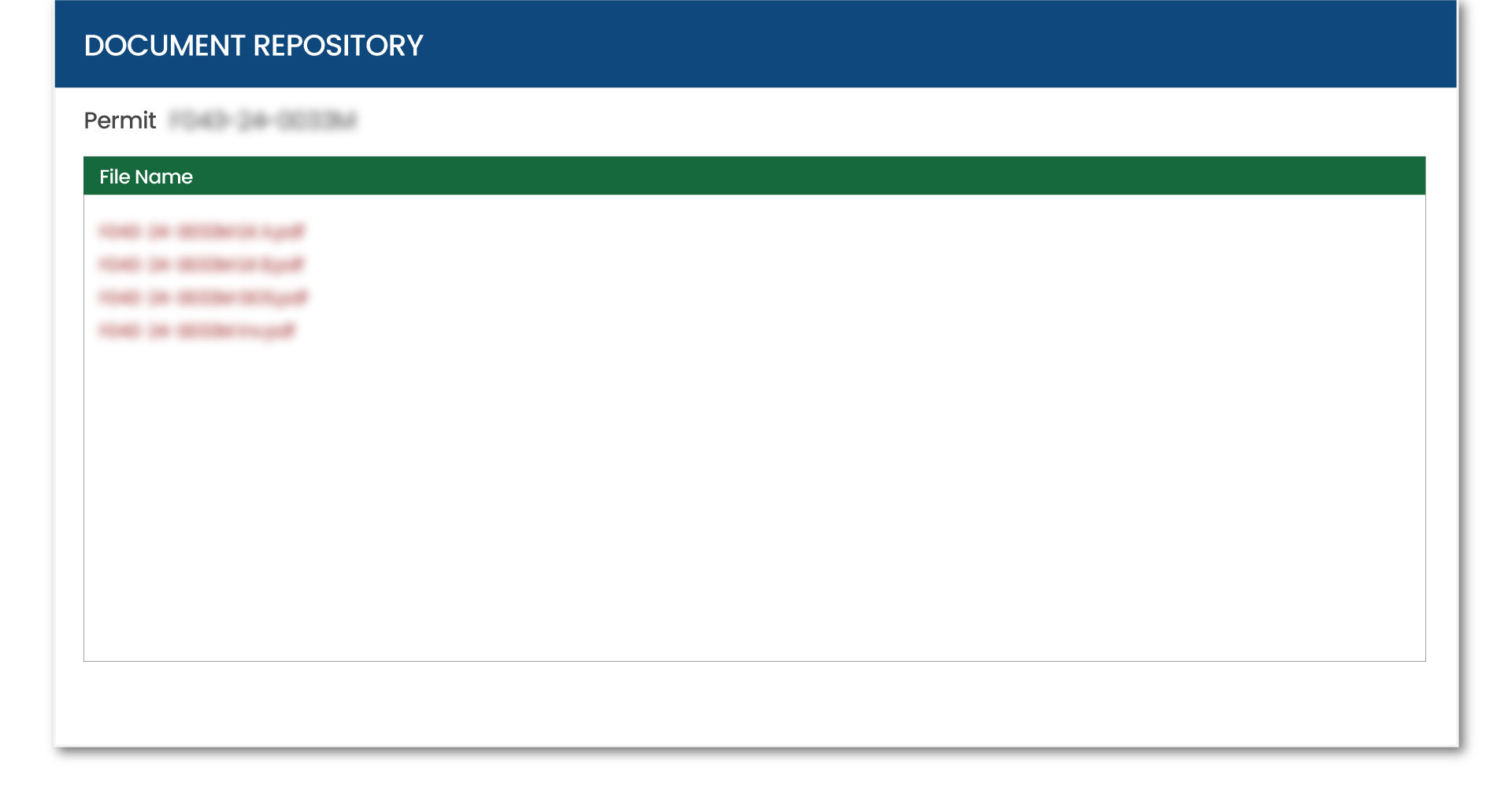
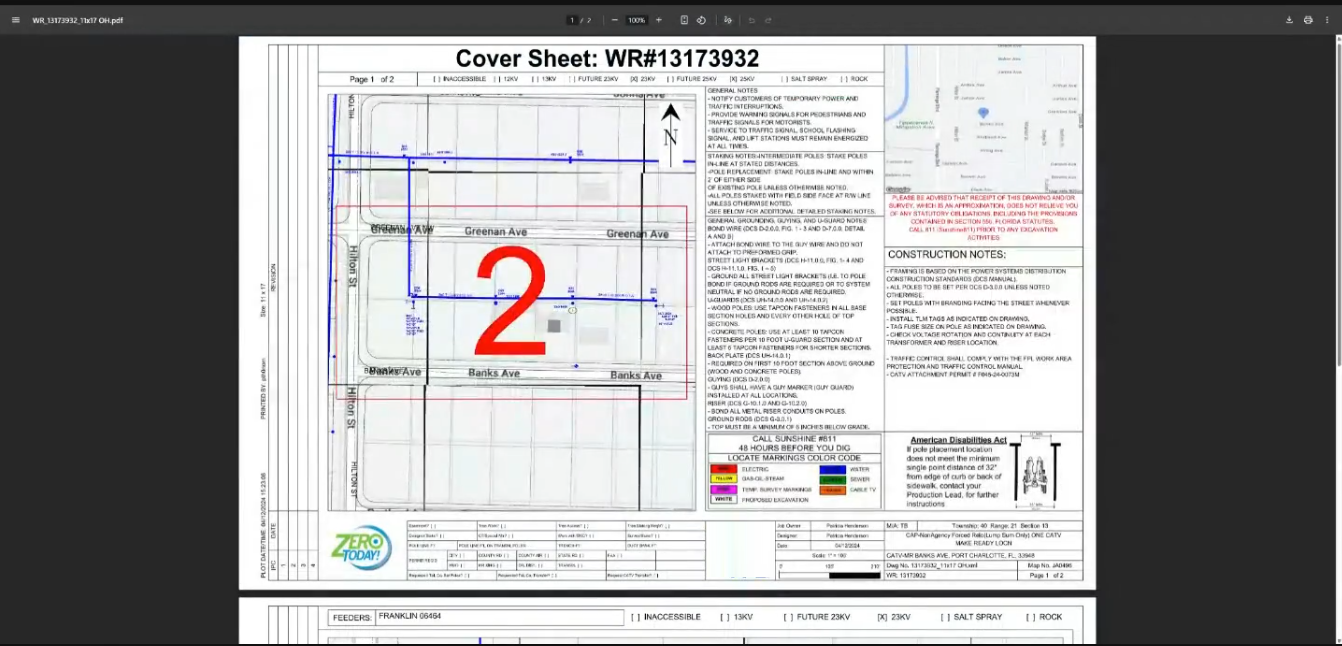
If you click the box under the Permit Tracker tab that reads “Permit Documents,” you’ll be taken to the Document Repository. The Document Repository houses all the ‘paperwork’ related to a permit request, such as maps, invoices, engineering docs, and photos.
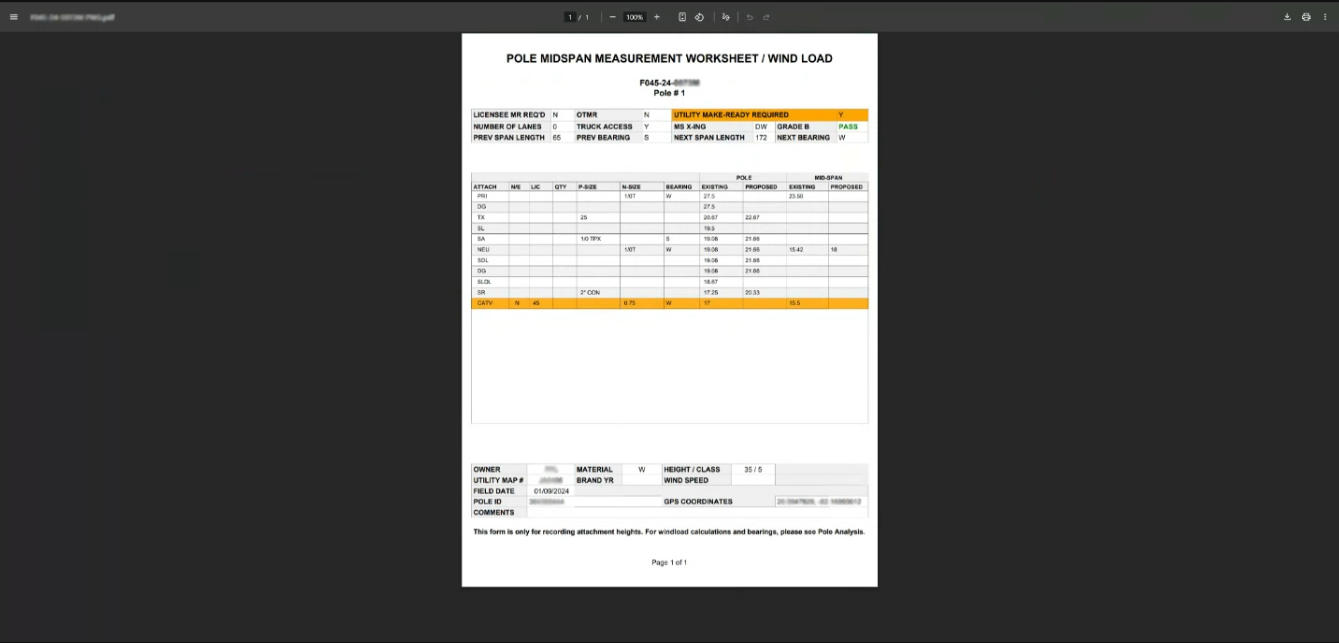
One document that you can call up is called the Measurement Worksheet. This is the document that outlines the necessary info for accurate wind-loading.
Another viewable document is the Work Order Invoice. If desired, we can manage the make-ready work directly in a utility’s software and generate the invoice.
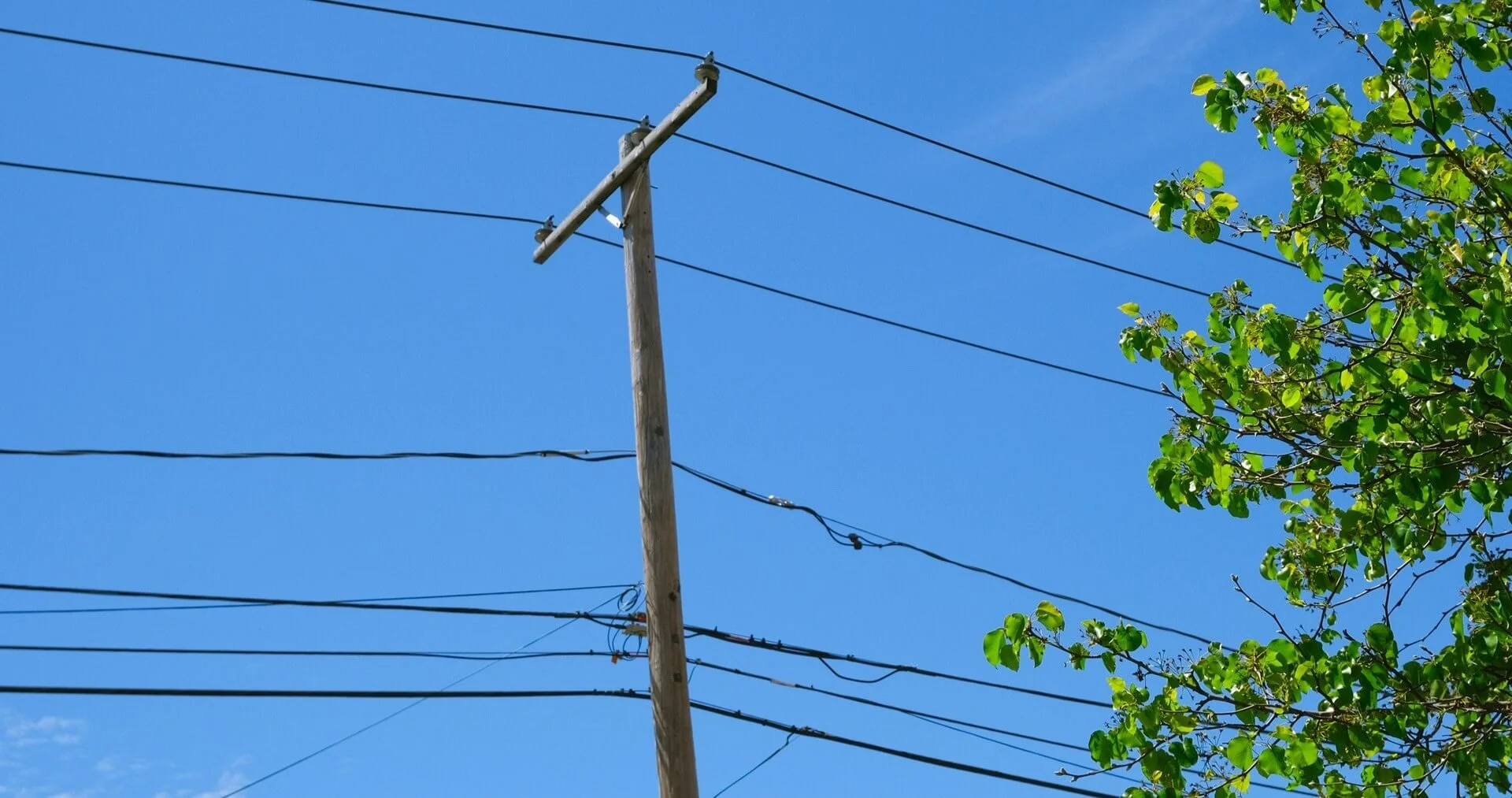
Finally, there are the high-def pole photos. We take pictures of all poles involved in permitting.